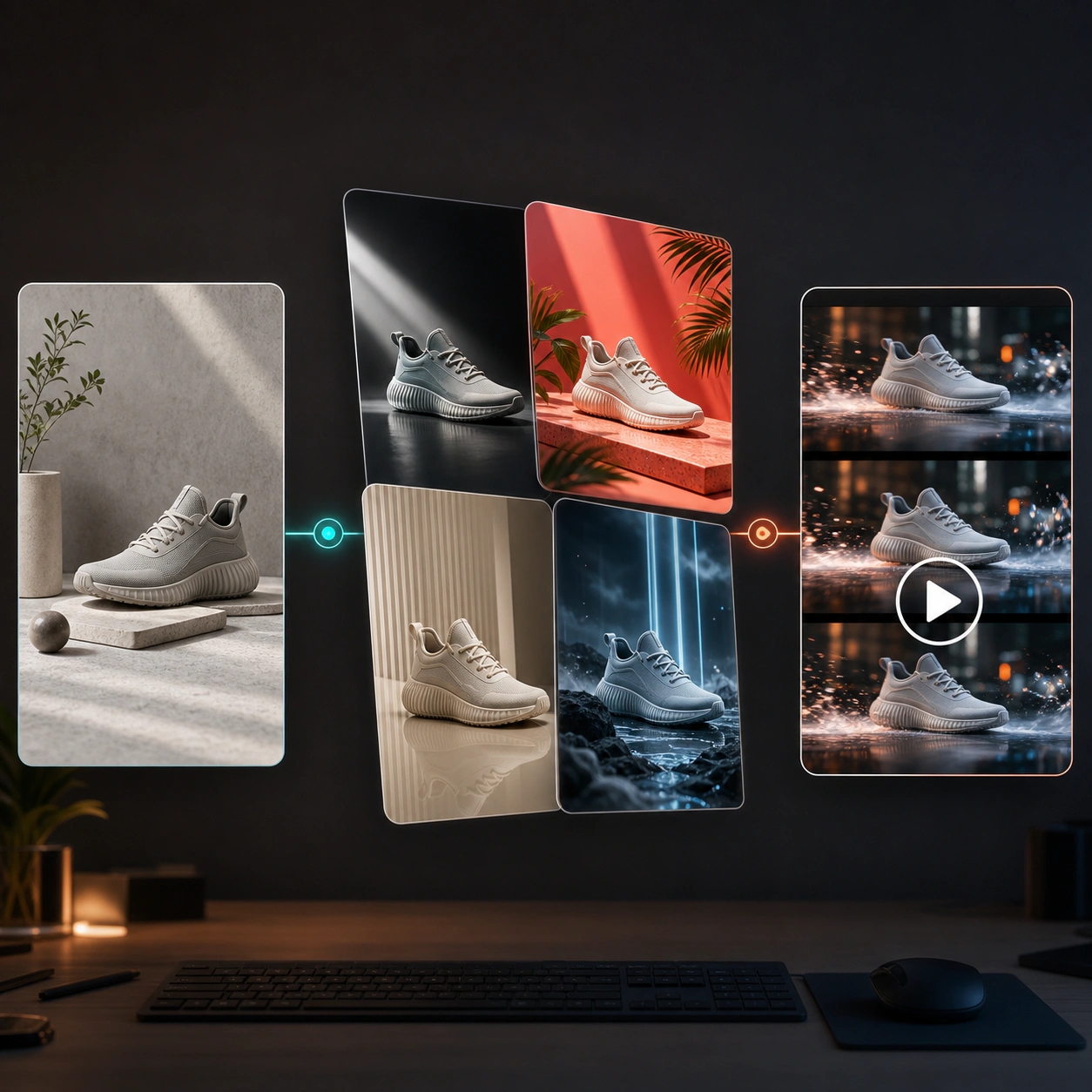
Prompt-Based AI Image Editing
Describe the edit in plain language, from background changes and lighting updates to object replacement, restyling, and scene adjustments.

Upload a photo and edit it with simple AI prompts. Change backgrounds, restyle portraits, improve product photos, create ad variations, and transform existing visuals into polished assets without complex editing software.
Reveedo helps you turn a source image into a refined visual while keeping creative control clear. Describe what to change, what to preserve, and where the edited image will be used.
Describe the edit in plain language, from background changes and lighting updates to object replacement, restyling, and scene adjustments.
Replace dull backgrounds, create lifestyle scenes, adjust environments, and adapt one image for new campaign contexts.
Improve ecommerce photos with cleaner presentation, better lighting, stronger composition, and more polished product storytelling.
Restyle portraits, profile images, creator visuals, and brand photos while guiding mood, wardrobe, lighting, and background direction.
Create multiple edited versions from a single image so teams can test backgrounds, offers, styles, and campaign concepts faster.
Upload an image, write an edit prompt, choose settings, and generate production-ready visuals for ads, social, ecommerce, and presentations.
AI image editing works best when your prompt separates the edit request from the preservation request. This helps the editor make meaningful changes without losing the parts that matter.
Start with the product photo, portrait, campaign image, or visual asset you want to edit.
Describe the background, scene, lighting, style, object, color, or composition change you want the AI editor to apply.
Mention the product, face, pose, logo area, layout, or visual details that should remain recognizable.
Create multiple edited versions, compare the strongest option, and refine the prompt for a cleaner final image.
Use prompt-based image editing to upgrade existing assets, create campaign variations, and adapt one source image for ecommerce, ads, portraits, and social content.
Turn a plain product photo into a clean ecommerce hero image, lifestyle scene, seasonal campaign visual, or marketplace-ready asset while keeping the product recognizable.
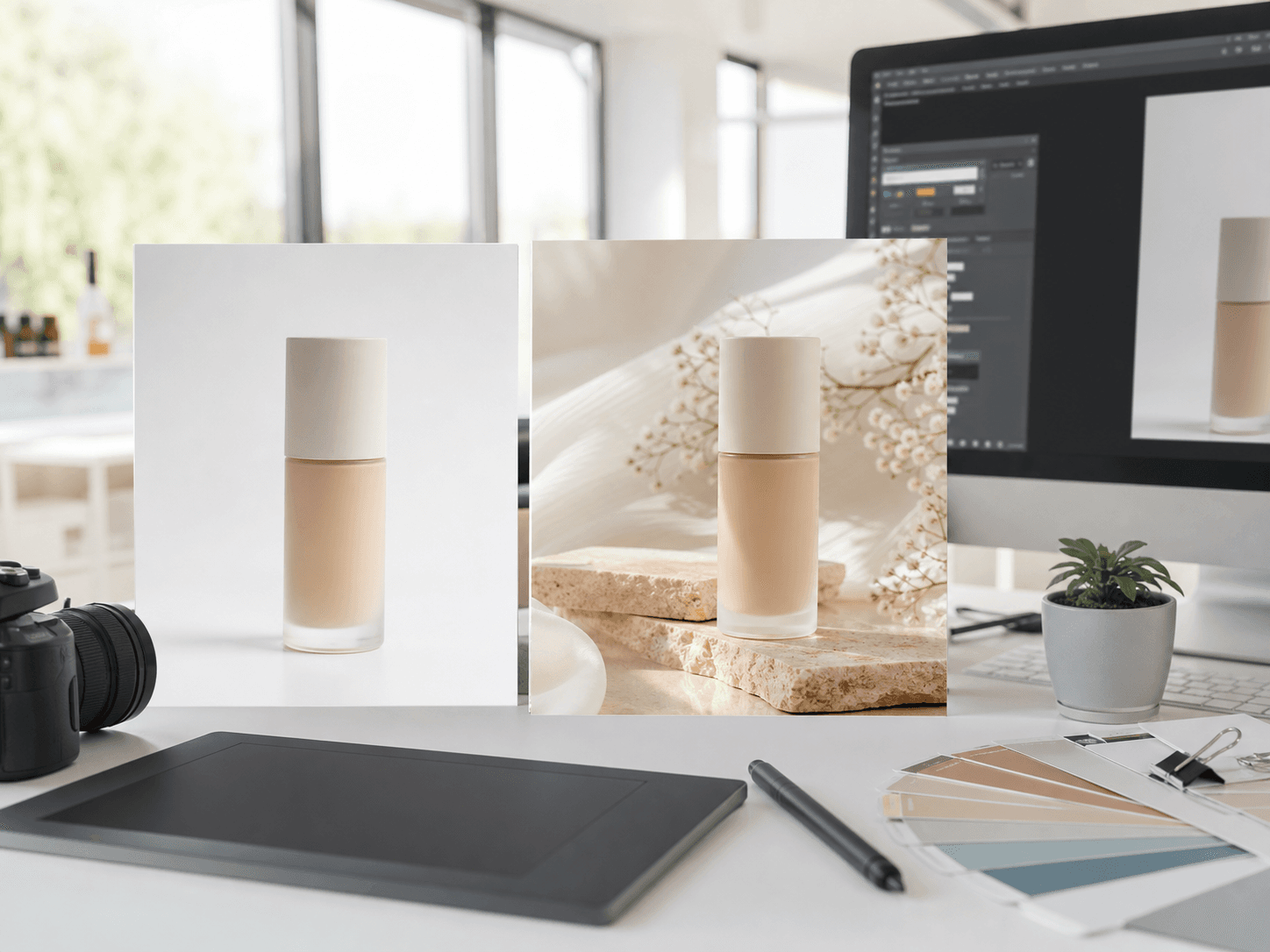
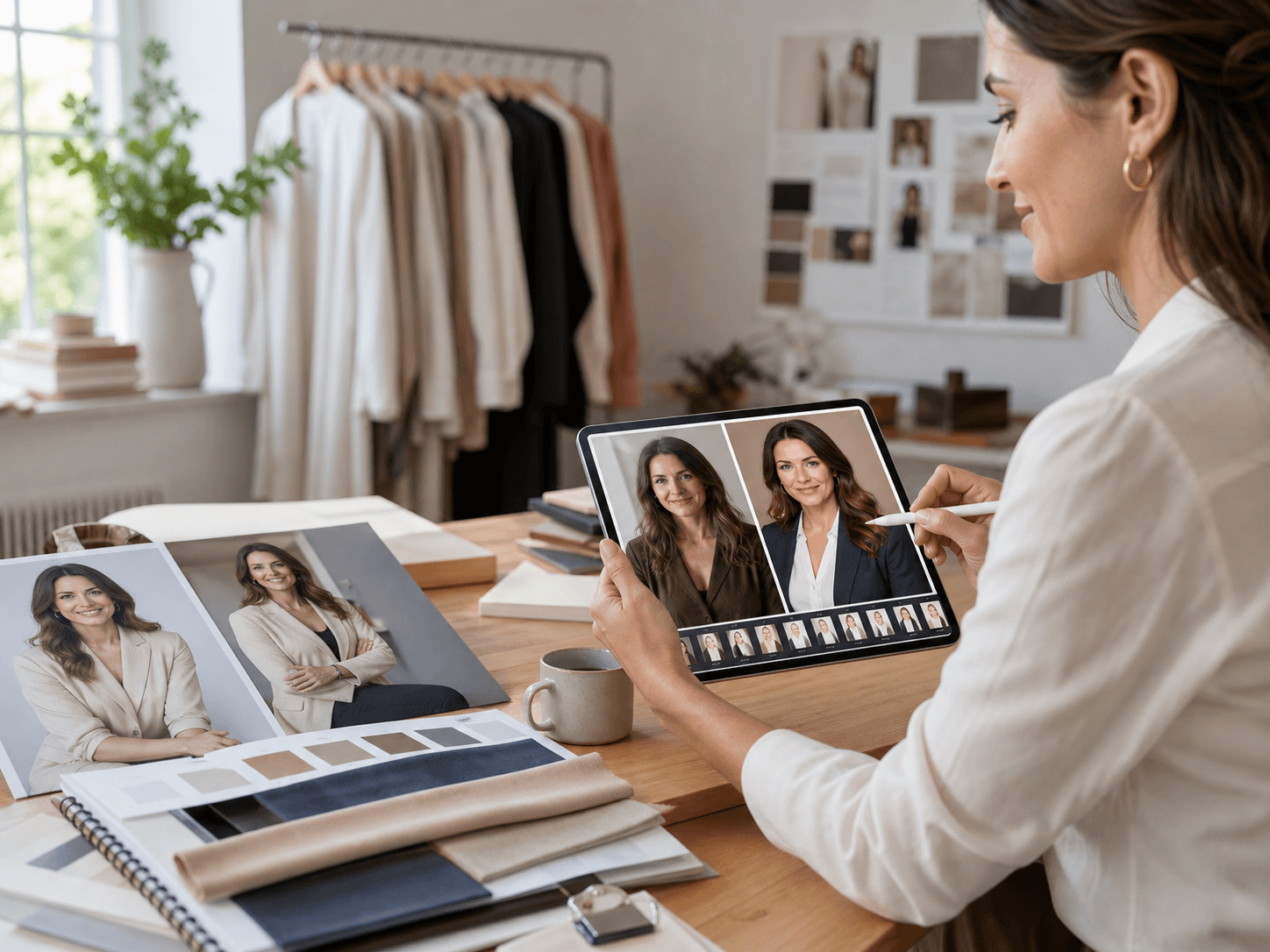
Update portrait backgrounds, lighting, mood, wardrobe direction, or visual style for profile images, creator assets, and brand photography.
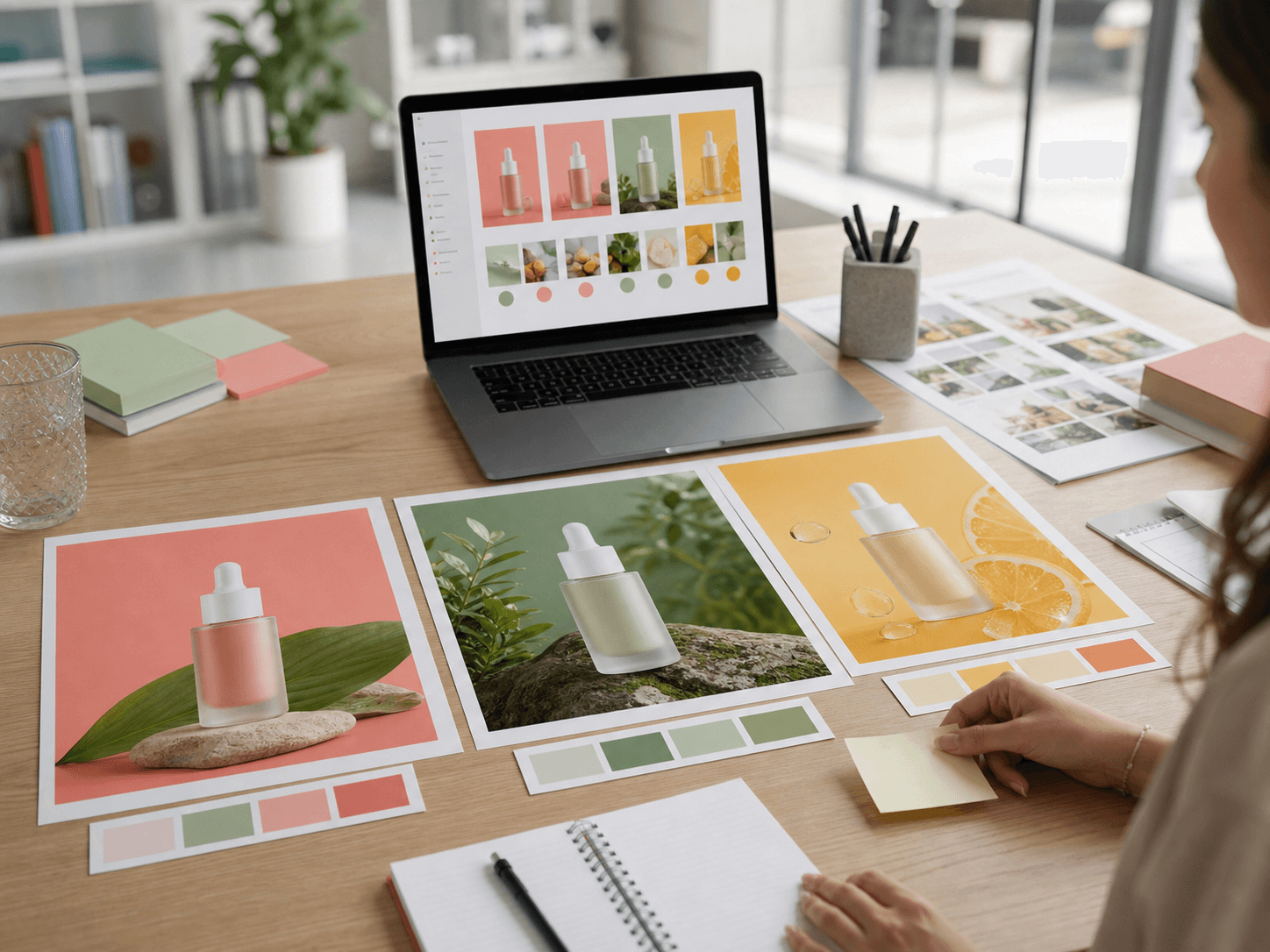
Generate different backgrounds, colors, layouts, and campaign moods from one source image to support faster creative testing.
AI photo editing is simple: upload a source image, write a focused edit prompt, generate edited versions, and refine the strongest result.
Start with a product photo, portrait, campaign graphic, concept image, or any visual you want to improve.
Describe the change you want, such as background replacement, style update, object change, lighting adjustment, or scene expansion.
Add details about the subject, product shape, face, pose, layout, color, or brand elements that should stay consistent.
Create edited versions, compare directions, and choose the result that best matches your creative brief.
Adjust your prompt for another pass, or download the edited image for ads, social posts, product pages, and presentations.
Use AI image editing to refresh existing assets, repurpose source images, and create polished visuals for marketing, ecommerce, design, and content production.
Improve product photos, swap backgrounds, create lifestyle scenes, and adapt visuals for marketplaces or product pages.
Change plain, messy, or outdated backgrounds into clean studio scenes, seasonal campaigns, or brand-specific environments.
Create multiple campaign looks from one source image for audience testing, seasonal campaigns, and paid social experiments.
Adjust lighting, background, style, and mood for portraits, creator content, avatar images, and team profiles.
Update existing visual assets for landing pages, emails, banners, social posts, and launch campaigns.
Adapt one image into multiple channel-specific visuals for ads, blogs, social posts, and presentations.
Answers to common questions about prompt-based editing, AI photo editing, source images, background changes, product edits, and commercial workflows.
A free AI image editor lets you upload an existing image and modify it with prompts. You can describe what to change, what to preserve, and generate a new edited version.
An AI image generator creates images from text. An AI image editor starts with an existing image and changes parts of it, such as the background, lighting, style, or scene.
Yes. You can use AI image editing to improve product photos, change backgrounds, create lifestyle scenes, and generate ecommerce or campaign-ready variations.
Yes. Background replacement is one of the most common AI photo editing workflows. Upload an image, describe the new background, and mention what should stay unchanged.
Yes. You can update lighting, mood, background, wardrobe direction, or visual style for portraits, creator images, and profile photos.
Write both the change request and the preservation request. For example, describe the new background or style, then specify the subject, face, product shape, or brand detail that should remain consistent.
The editor uses the uploaded image as the source, but preservation depends on image quality, prompt clarity, and the selected model. Clear instructions usually improve consistency.
Yes. You can generate variations from one source image to compare backgrounds, colors, campaign concepts, social formats, and creative directions.
Yes. AI-edited images can support product pages, ads, landing pages, social content, blog visuals, presentations, and campaign testing.
Use a clear source image, write a specific prompt, describe what should stay consistent, choose the right aspect ratio, and generate several variations before selecting the final result.
Image Preview